GameSloth is a Windows app that saves every connected squadmate’s replay the moment you hit one key — so the play everyone’s arguing about gets watched from every angle, not just yours.
Your teammate’s panic. The angle you didn’t see, just off-screen. The reaction after the play, when everyone starts talking at once. Those moments complete the story — but right now, they’re gone unless someone remembers to hit record. And even then, it’s just one person’s PC, one angle, gone the second someone forgets to grab it before the session ends.
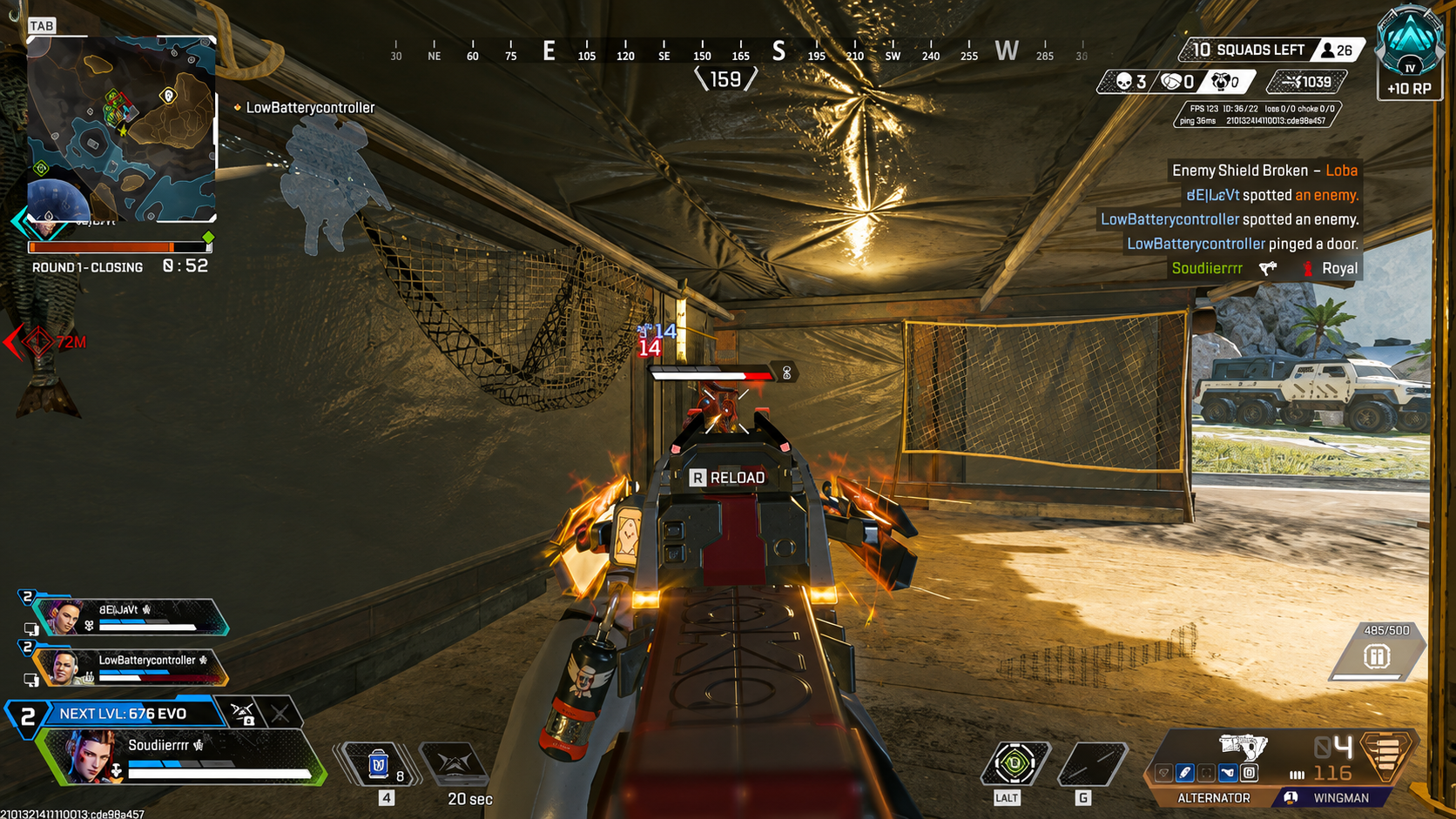
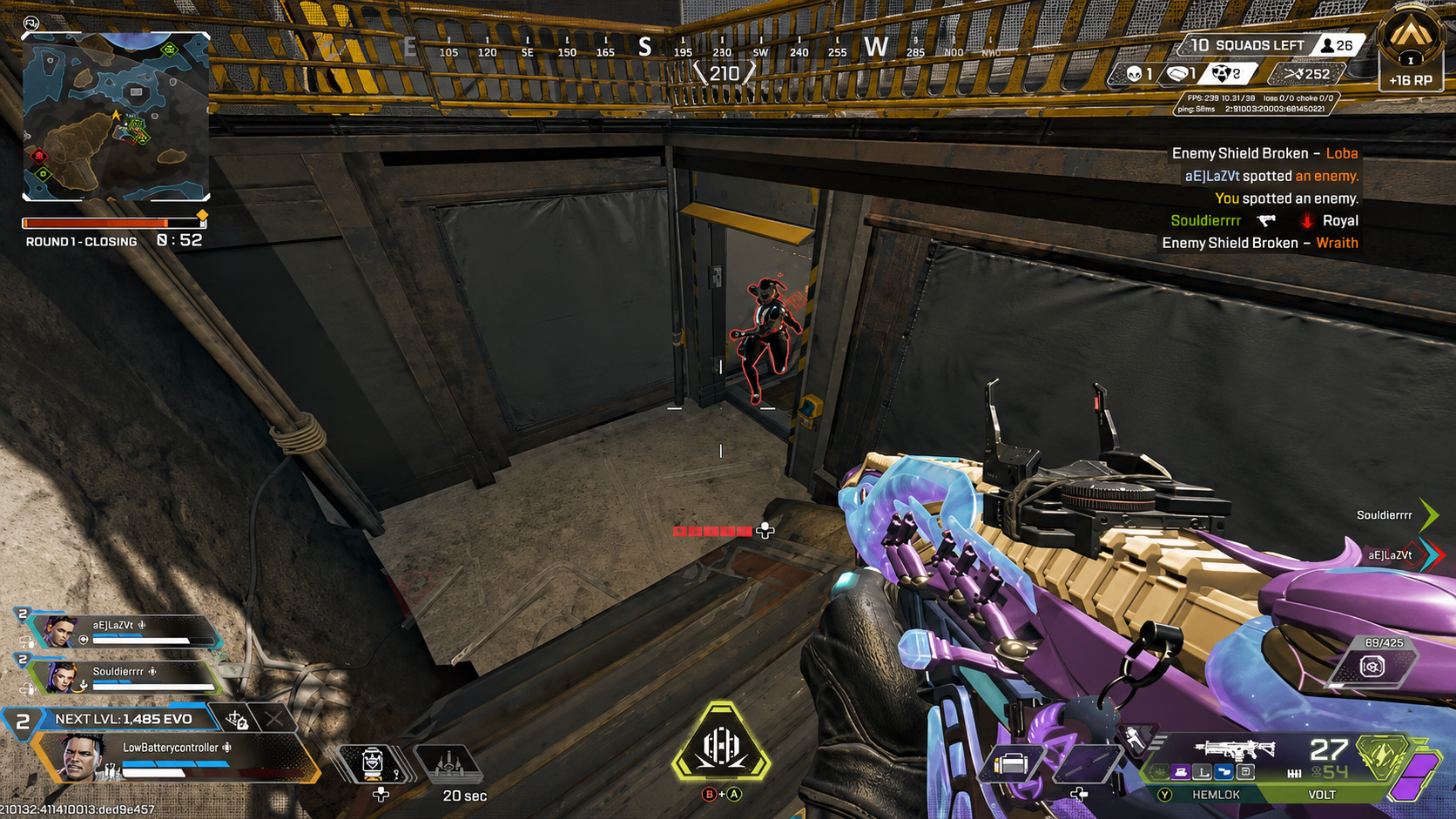
GameSloth keeps a replay buffer running quietly in the background on every connected PC. When something worth keeping happens, one person hits the hotkey — and every squadmate whose buffer is ready saves their own angle, automatically, at the same moment.
01
Connect
Your squad joins a room. Do this once; GameSloth remembers them next time.
CONNECTING GAMESLOTH........
Same moment
Every angle
GameSloth keeps a replay buffer running quietly in the background on every connected PC. When something worth keeping happens, one person hits the hotkey — and every squadmate whose buffer is ready saves their own angle, automatically, at the same moment.
POV 01
POV 02
Nothing leaves your PC until you decide it should.
Clips stay local by default. A file only moves when you deliberately sync a Moment — no automatic uploads, no public feed.
The desktop app
Your moments. All together.
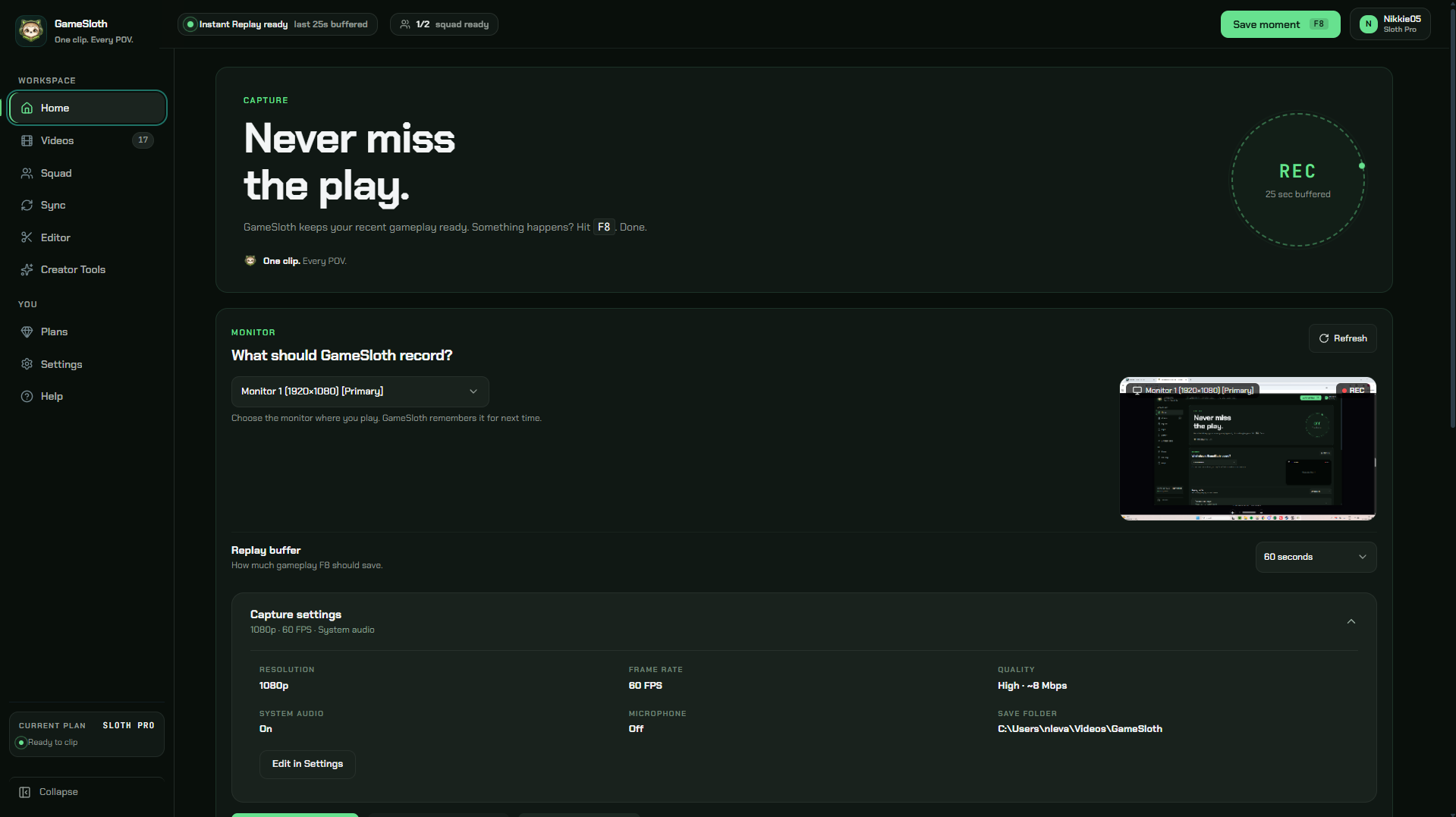
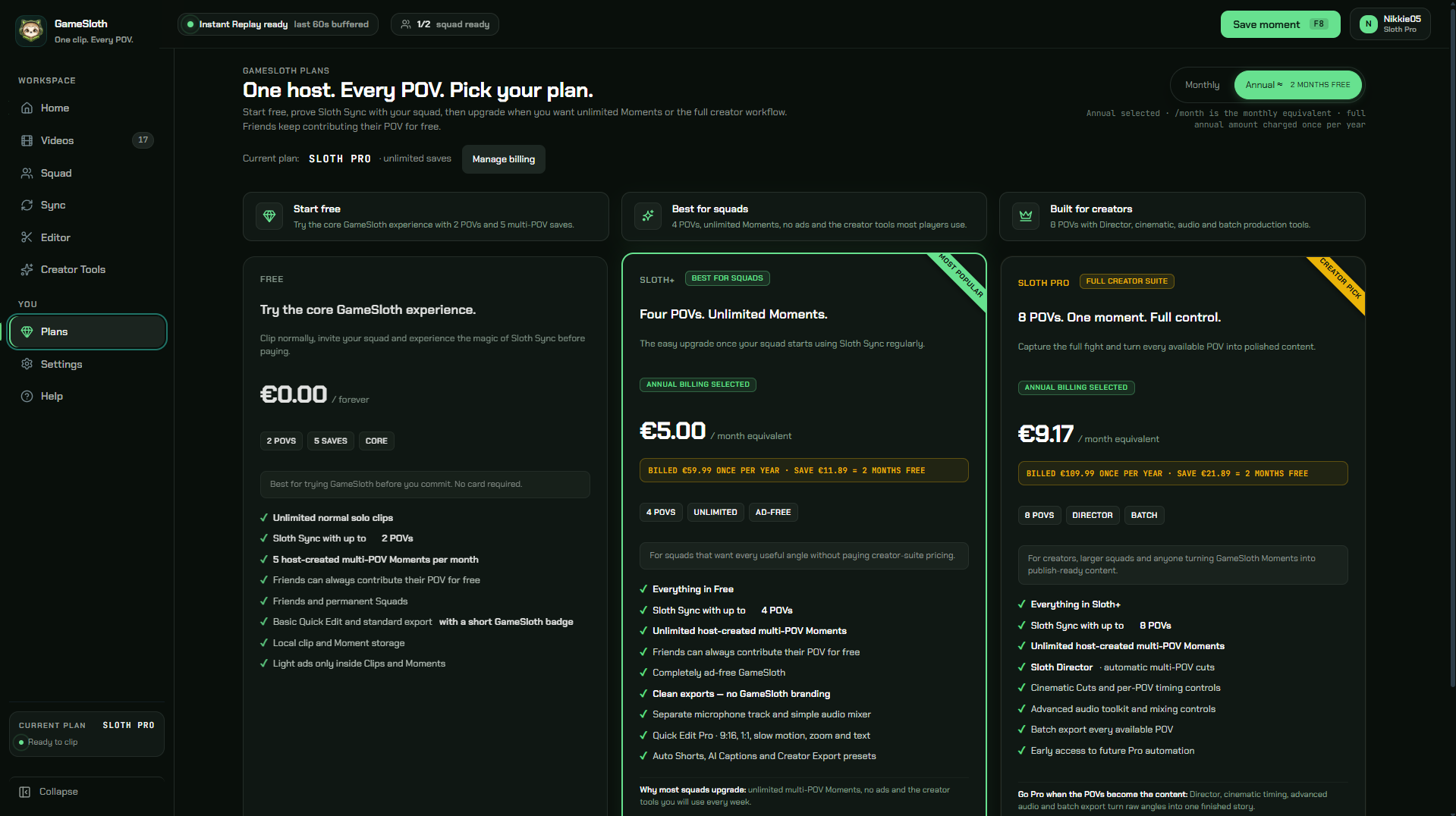
Replay buffer ready before the play happensCurrent plans for players, squads and creators
Screenshot 1 of 2: Replay buffer ready before the play happens
Only the host needs
A plan
Free covers solo clipping and a 2-POV Sloth Sync test. Sloth+ unlocks the full squad — 4 POVs, unlimited Moments. Sloth Pro is for anyone editing the story afterward, up to 8 POVs and a full creator workflow.
Whatever the host picks, everyone else in the squad still contributes their POV for free.
Monthly prices shown. Paid checkout opens after launch.
Quick Edit, Auto Shorts, AI Captions, Creator Export
Sloth Pro
Up to eight POVs. One finished story.
€10.99/ month
BILLED €10.99 EVERY MONTH
What you will get
Everything in Sloth+
Unlimited host-created multi-POV saves
Advanced Audio and POV Timing
Sloth Sync with up to 8 POVs
Sloth Director and Cinematic Cuts
Batch export every available POV
Prices include VAT where applicable. Paid plans are not available to purchase during Closed Alpha. Subscription details →
Frequently Asked Questions
Wait — can my teammates see MY screen without me knowing?
No. Everyone only ever saves their own POV, from their own PC. GameSloth can’t see or capture anyone else’s screen.
Am I going to get flagged or banned for running this in ranked?
GameSloth just records your screen — it doesn’t touch game files or inject anything into the game itself. Same category as any normal screen recorder.
Is my squad going to have to set this up every single time we play?
No. Connect once, and GameSloth remembers your squad. After that, you just play — no reminding anyone.
Do I have to pay just to try it?
No. Solo clipping and a 2-POV Sloth Sync test are free, no card needed. You only need a plan if you want to host bigger Moments later.
What if someone in my squad doesn’t want to be recorded?
Nobody’s POV gets captured unless their own GameSloth is running and marked ready. There’s no way to pull someone’s screen without them opting in on their own device.
Is this a real company, or some solo project that vanishes in six months?
It’s a real, working Windows app, not a concept — the build is live in closed alpha right now, built in the Netherlands.